
Download pChart – PHP graphing tool, static graph generation, data visualization, PNG chart creation, SQL data integration, CSV graphing, developer utility
Overview
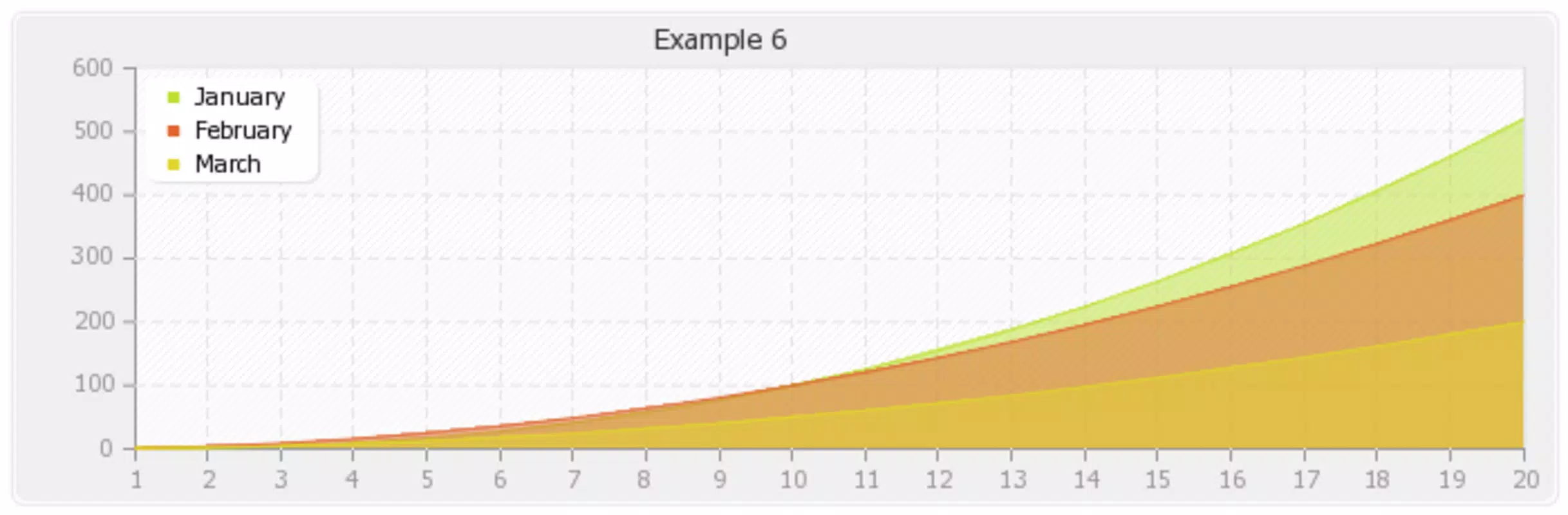
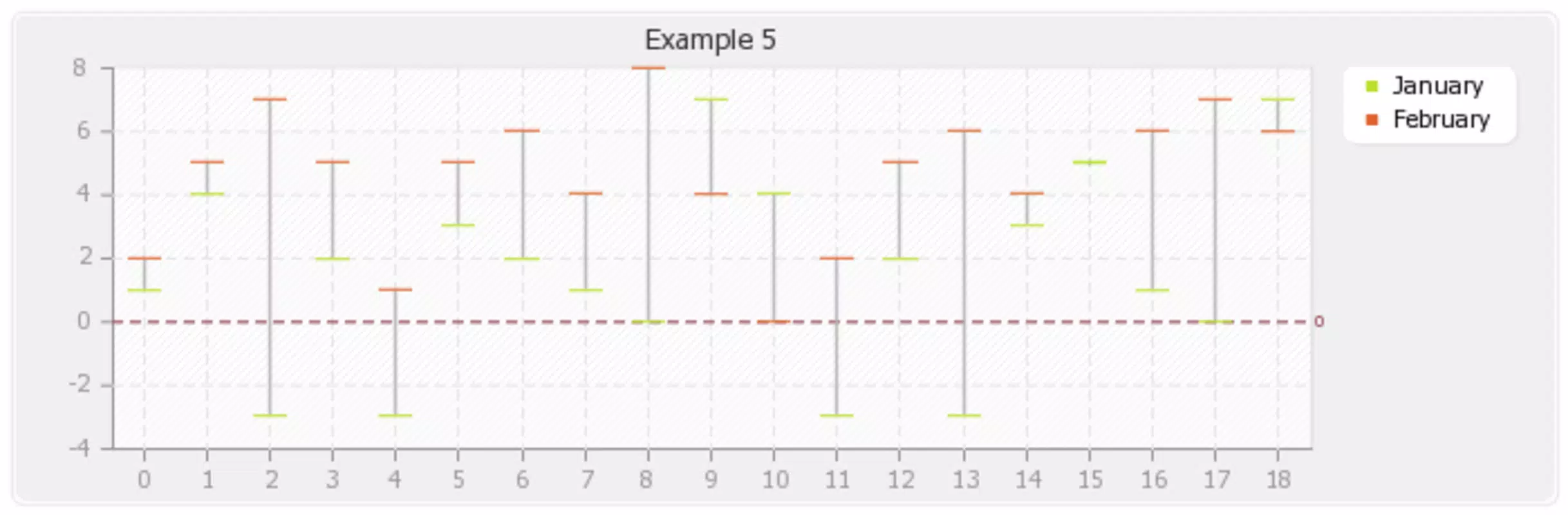
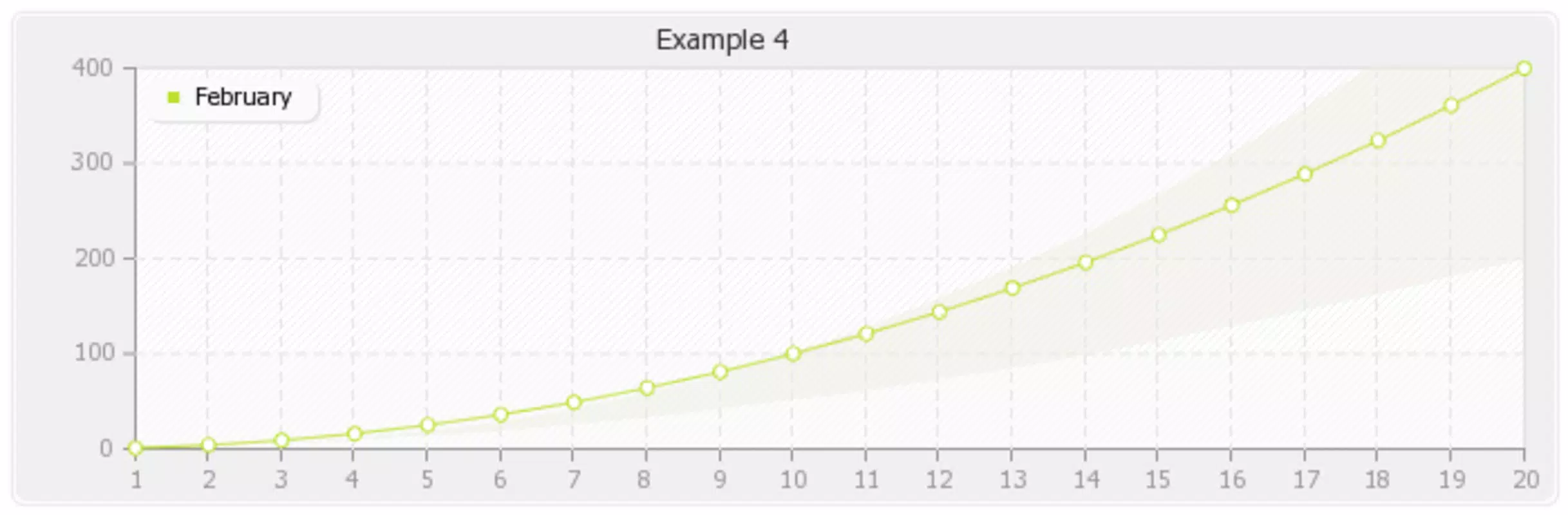
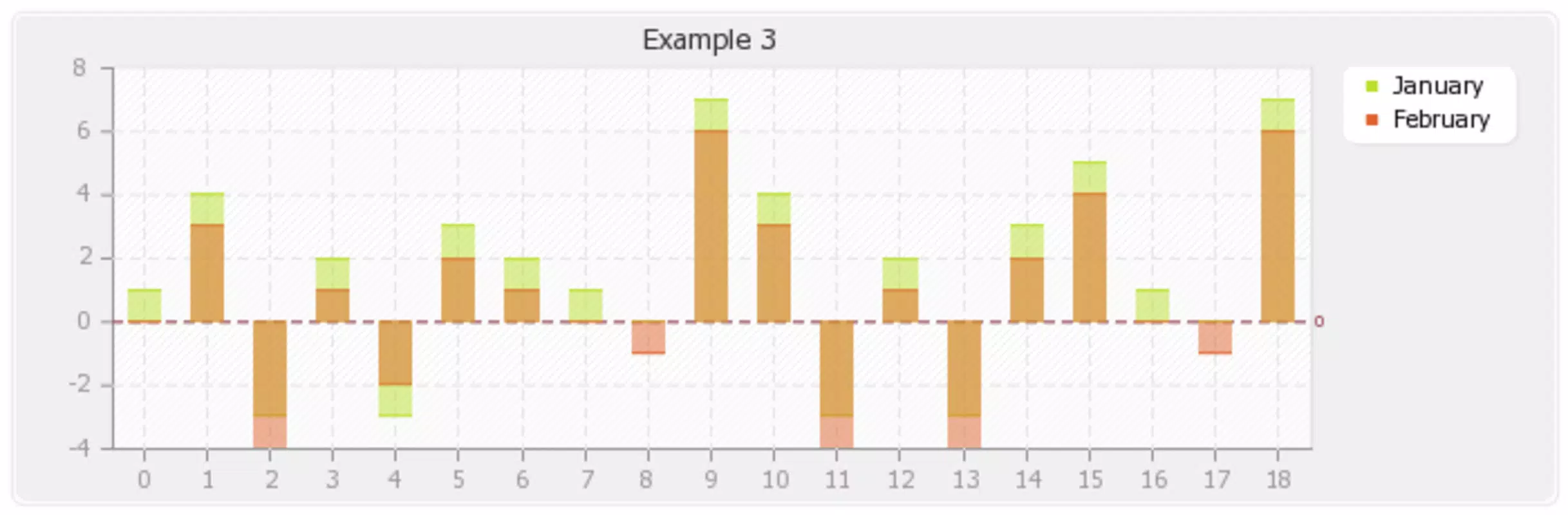
pChart is a PHP-based class designed to facilitate the creation of static, PNG-formatted graphs for use in web applications, reports, and presentations. The tool enables developers to visualize data through a variety of chart types, including line graphs, bar graphs, and pie charts, using data sourced from SQL databases, CSV files, or direct code inputs. Its primary purpose is to simplify the process of generating high-quality, static visualizations without relying on client-side interactivity or JavaScript libraries.
By focusing on static output, pChart addresses the need for lightweight, fast-loading graphics that are easily embeddable in content management systems, documentation, and automated reporting tools. This makes it particularly useful for developers working in environments where dynamic charting solutions are either unnecessary or impractical due to performance or compatibility constraints.
Target users include PHP developers, web designers, and technical writers who require reliable data visualization tools for backend-generated content. The tool is especially beneficial in scenarios involving automated report generation, dashboard previews, or static documentation that requires illustrative charts. Although the developer did not provide additional technical details about the project’s history or maintenance status, the inclusion of approximately twenty example scripts within the package suggests a focus on usability and rapid onboarding for new users.
Within the broader ecosystem of developer tools, pChart occupies a niche role as a lightweight, server-side solution for data visualization. Its longevity since its initial release in 2008 highlights its stability and enduring relevance in specific use cases, particularly where simplicity, speed, and compatibility with legacy systems are prioritized.
Key Features & Functionality
- Static Graph Generation: pChart produces high-resolution PNG images of charts, eliminating the need for JavaScript or browser-based rendering. This ensures consistent display across all devices and environments, even without client-side support.
- Multiple Data Sources: The class supports direct integration with SQL databases, CSV file parsing, and manual data input through PHP arrays. This flexibility allows developers to pull data from diverse sources and visualize it without complex middleware.
- Multiple Chart Types: Users can generate line graphs, bar graphs, and pie charts, enabling appropriate visual representation based on the nature of the data and intended audience.
- Pre-Built Examples: The package includes around twenty ready-to-run examples that demonstrate various styling options, layout configurations, and data formatting techniques, serving as a practical starting point for new implementations.
- Server-Side Processing: All chart rendering occurs on the server, reducing client-side load and improving performance in low-bandwidth or restricted-access environments.
For instance, a developer building a monthly sales report can pull data from a MySQL database, format it using pChart’s API, and generate a PNG bar chart to include in a PDF document. Similarly, a technical writer creating a system documentation guide could use a CSV file containing performance metrics to produce a line graph illustrating system load over time.
Interface, UX & Performance
As a server-side PHP class, pChart does not feature a graphical user interface. Instead, its interface is entirely code-based, requiring developers to interact with it through PHP scripts. This design choice aligns with its target audience and purpose: developers who work directly with code to automate tasks.
Navigation within the tool is not applicable in the traditional mobile or desktop app sense, but the logical flow of implementation follows a standard pattern: data preparation → chart configuration → rendering → output. The structure of the included examples provides a clear guide for developers to follow, enhancing usability despite the absence of a visual interface.
Performance is optimized for server-side execution. Since all rendering is done before the output is delivered, there is no runtime overhead on the client device. The tool is designed to produce charts quickly and efficiently, making it suitable for batch processing or integration into automated workflows.
Although the developer did not list formal performance metrics, the lightweight file size of 1.2 MB and the long-standing use in production environments suggest that pChart remains efficient and stable across different server configurations. Compatibility with various PHP versions is not explicitly stated, but its continued availability indicates a degree of backward compatibility.
Platform Compatibility & Technical Requirements
pChart is designed for use with PHP-based web environments. It operates on any system that supports PHP, including Linux, Windows, and macOS servers. The tool is not a standalone mobile or desktop application but is intended for integration into web projects.
The current version is 2.3.0, with a file size of 1.2 MB. The developer did not specify minimum OS requirements or PHP version compatibility. As such, users should ensure their server environment supports PHP and has the necessary file permissions to execute the class files.
Since pChart is a server-side tool, it does not require installation on end-user devices. Instead, developers include the class files in their web project directory and call them via PHP scripts. This deployment model allows for consistent behavior across different client platforms, as the rendering occurs on the server.
Pros and Cons
- Free to use and distribute under open-source principles
- Generates high-quality, static PNG charts without client-side dependencies
- Supports multiple data sources including SQL and CSV
- Includes twenty example scripts for quick learning and implementation
- Lightweight and efficient for server-side processing
- Requires PHP knowledge; not suitable for non-developers
- No graphical interface; all interaction is code-based
- Does not support dynamic or interactive charts
- Compatibility with modern PHP versions is not confirmed
- Not available as a mobile app or standalone tool
FAQ
Is pChart safe to use?
Yes, pChart is a free, open-source PHP class that does not require external dependencies or third-party libraries. It operates entirely on the server and does not collect or transmit user data.
Can I update pChart to the latest version?
The latest version available is 2.3.0. The developer has not released updates beyond this version, so users should verify compatibility with their current PHP environment.
Does pChart work with modern PHP versions?
While the developer did not specify compatibility, pChart has been used in production environments for years. Users should test it in their environment to confirm functionality.
Can I use pChart on mobile devices?
pChart is a server-side PHP class and cannot be installed directly on mobile devices. It must be integrated into a web application hosted on a server.
Is pChart suitable for interactive dashboards?
No, pChart generates static PNG images and does not support interactive features such as tooltips, zooming, or real-time updates. It is best suited for reports, documentation, and non-interactive visualizations.
Final Thoughts
pChart remains a reliable, lightweight solution for developers seeking to generate static charts from various data sources. Its focus on simplicity, performance, and compatibility makes it a valuable tool in environments where dynamic interactivity is unnecessary. While it lacks modern UI features and interactive capabilities, its code-based approach ensures predictable results and minimal client-side load.
For PHP developers, technical writers, and system administrators who need to produce consistent, high-quality visualizations for reports and documentation, pChart offers a practical and efficient utility. Its long-standing presence in the developer community speaks to its stability and usefulness in niche but important use cases.
Download pChart now


